
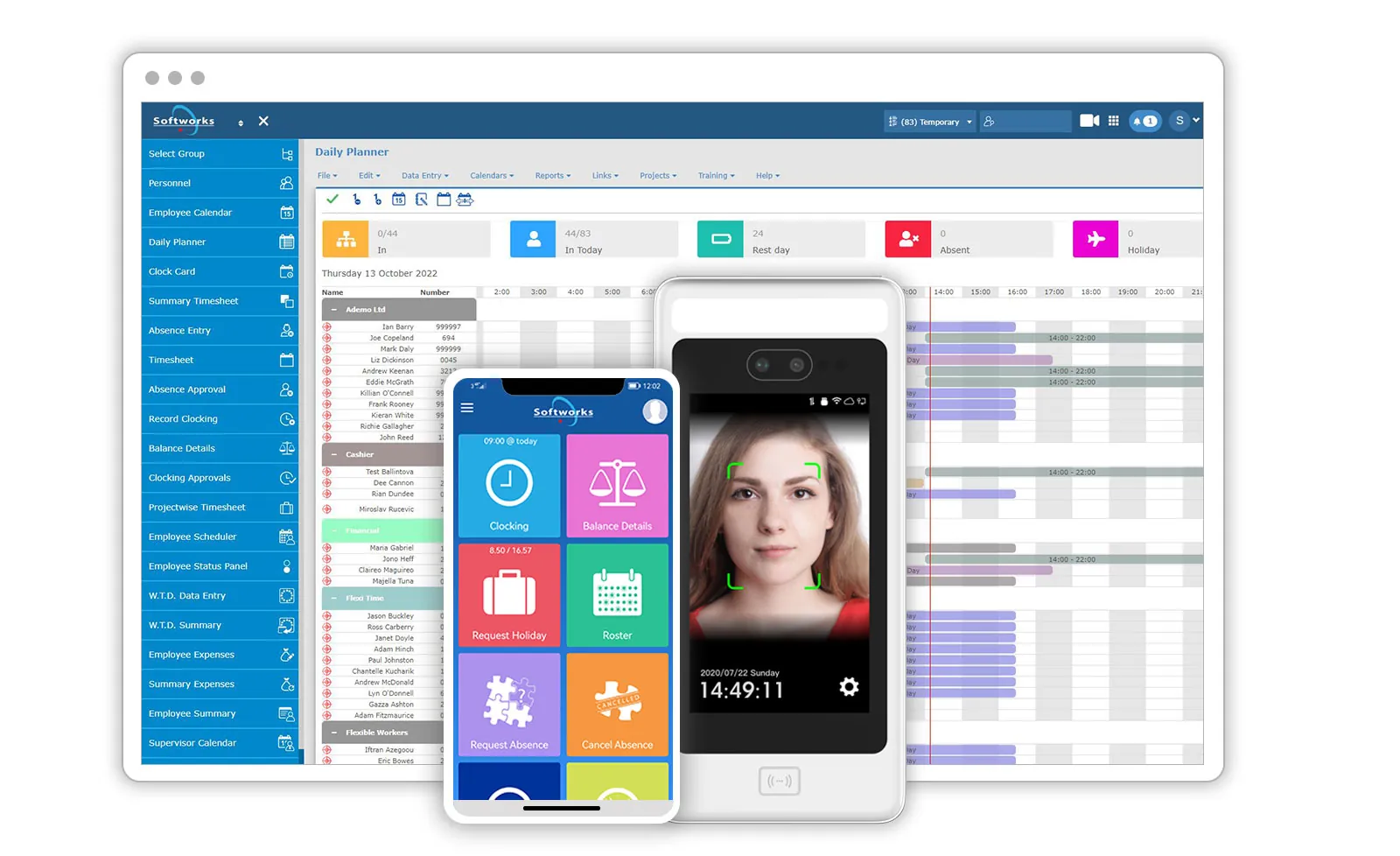
Softworks gives Amazon DSP owners a single, easy-to-use solution to schedule teams, track working hours, and get payroll ready without the hassle. Accurate, efficient, and built for fast-moving operations.
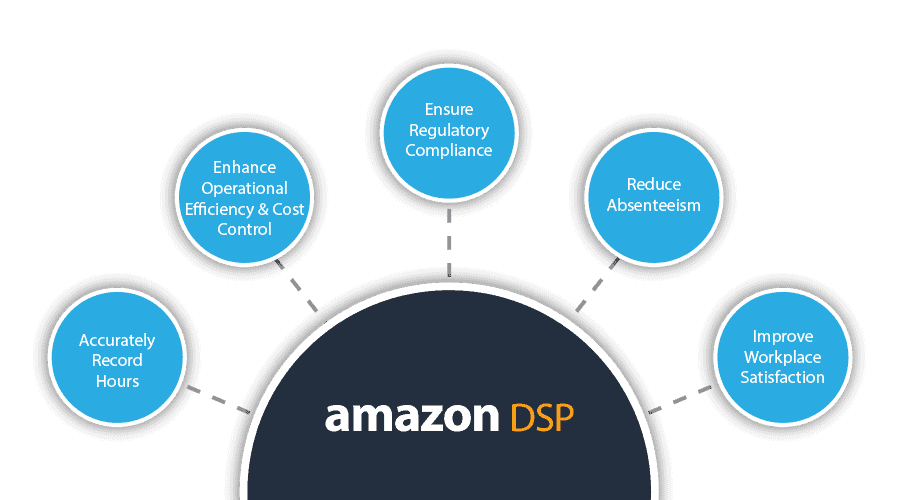
- Accurately Record Work Hours
- Increase Operational Efficiency
- Improve Business Intelligence
- Manage Hybrid Working
- Enhance Cost Control
- Reduce Absenteeism
- Increase Employee Engagement
- Improve Workplace Satisfaction
- Ensure Regulatory Compliance
- Manage Distributed Workforce
- Payroll Integration with Approved Vendors


Benefits of Time & Attendance for Amazon DSPs

Precision in Every Second, Progress in Every Step
Softworks Time and Attendance Software is a powerful, easy-to-use tool that helps you keep an accurate record of employee work hours. With it, you can easily understand and manage your team’s work time.
Amazon DSPs
Here’s what makes it great:
Why Time & Attendance
Matters for DSP Operations
FAQs: What DSPs Want To Know
1. Why should I choose Softworks?
Softworks is the most integrated and configurable Workforce management Software in the industry. The user-friendly interface can help the user to manage its workforce with agility and ease.
2. Is the Softworks T&A system hard to set up?
Your Softworks system is very easy to set up: Just give us the list of your employees and who is going to use the system and you will be ready to go!
3. How can time be tracked?
The time is tracked by using the Softworks App, clock in and out through the “Clocking” button.
4. How can we add an absence?
If you are an employee, you can add an absence using the Softworks App dedicated button “Request an absence”. If you are a manager you can add it using the “Absence entry screen”.
5. How can I add a shift?
Adding a shift has never been so easy, open the “Employee Scheduler” screen and click on the “Show shifts” button on the top right and then click “Create a shift”.
6. Is it difficult to change the driver's schedule?
It takes 30 seconds! On the “Employee scheduler” screen you can select a day of the week, click on “Show Shifts” and select the shift you want to apply.
7. Is there an App the drivers use?
Yes, we have a dedicated App for your drivers where they can clock in and out, request and cancel absences or check their schedule.
8. How can I manage the absences requested?
If you are a manager you can open the “Action manager” screen and easily approve or disapprove an absence requested in real time!
9. Can the drivers see their schedule?
Yes, the driver can see their schedule on the Softworks app, selecting “Roster”.
10. Is payroll integrated?
Your payroll file is already integrated with your payroll provider.
11. What happens if I need help?
If you need anything you can contact our Customer care & support team, they will be happy to help.
12. Where is my data stored?
Your data is stored in a dedicated server in the EU. Softworks is maintaining the highest standards of data security and we are ISO 27001 and 9001 certified. To have more information go: https://www.softworks.com/security-and-compliance/
13. I want to add functionalities to the system, who can I contact?
Please contact your account manager, they will be able to help.
14. Where is Softworks based?
Softworks is an Irish company, based in Dublin, but we have offices all over the world.
What We Do – The Softworks Story…
From Time and Attendance Tracking to a complete Workforce Management Solution…


